Nowboard
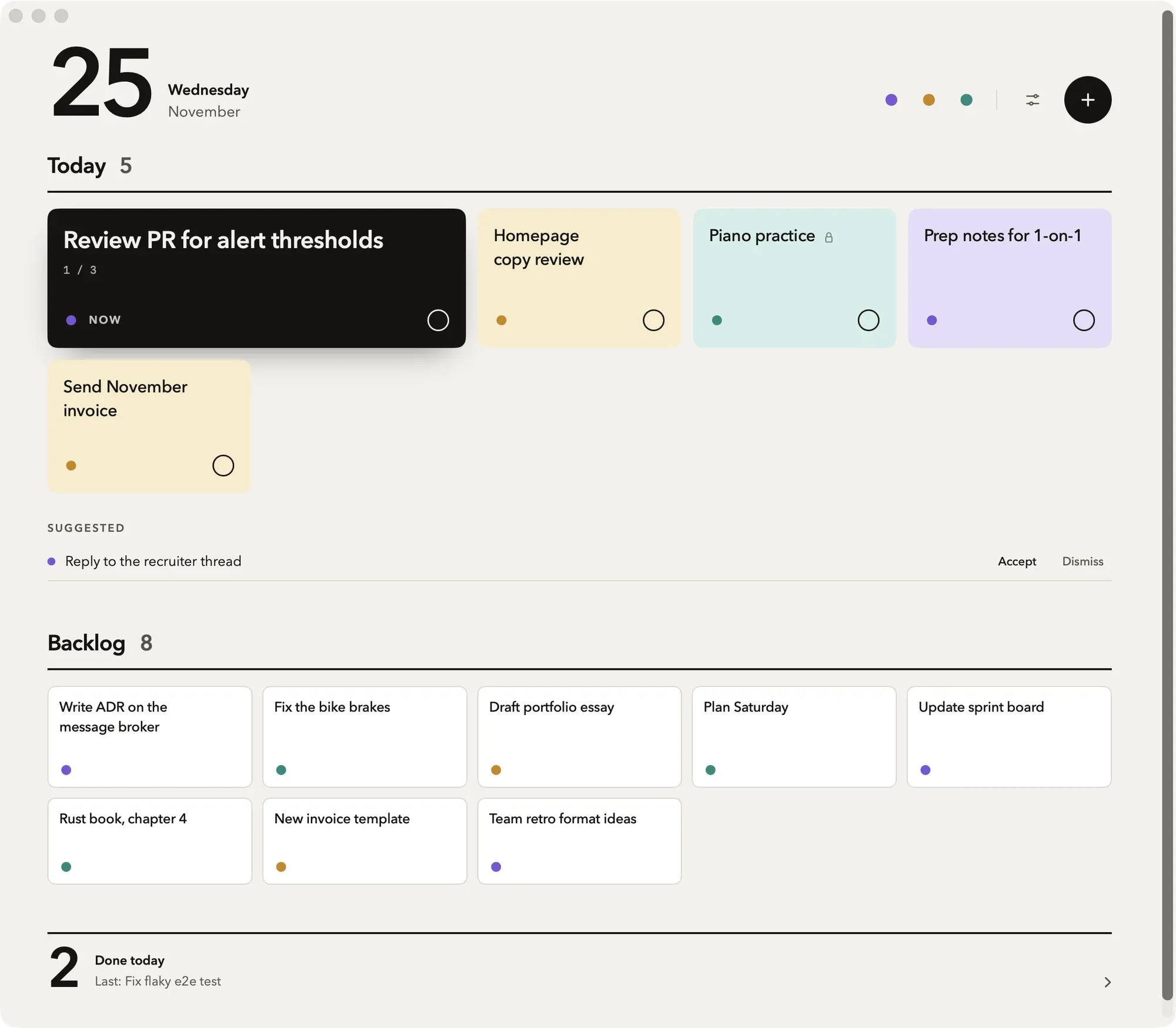
Nowboard is a task board with one column: Today, Backlog, Done. There are no due dates, no times and no estimates. Today is a pile of cards I’ll get to at some point, the Backlog is everything else, and Done counts what I finished today. Colour is the category, and nothing else on the board has colour.
It is a native SwiftUI app for iPhone, iPad and Mac. The Mac app is a free download from nowboard.nestoririondo.com; the iPhone and iPad app is on its way to the App Store.
TODO: Why I built it
Every task is a file
Each task is a Markdown file with a few lines of frontmatter for its status, category and order. The checklist and notes are the body of the file.
---
status: today
area: work
order: 1024.5
created: 2026-11-22T09:40
---
- [x] Read the diff
- [ ] Check the thresholds against last month
Notes go here.
The folder is Nowboard’s own, or the Tasks folder of an Obsidian vault. Any editor can change the files, and the app watches the folder and picks up the change. Fields it doesn’t know are left untouched, so a script or an AI agent can add its own. An agent can also suggest a task: it shows up in the Backlog with Add and Dismiss, and nothing lands on Today without me.
Syncing between devices is iCloud Drive’s job, not the app’s. There is no server and no account, and the app collects no data.
Calm on purpose
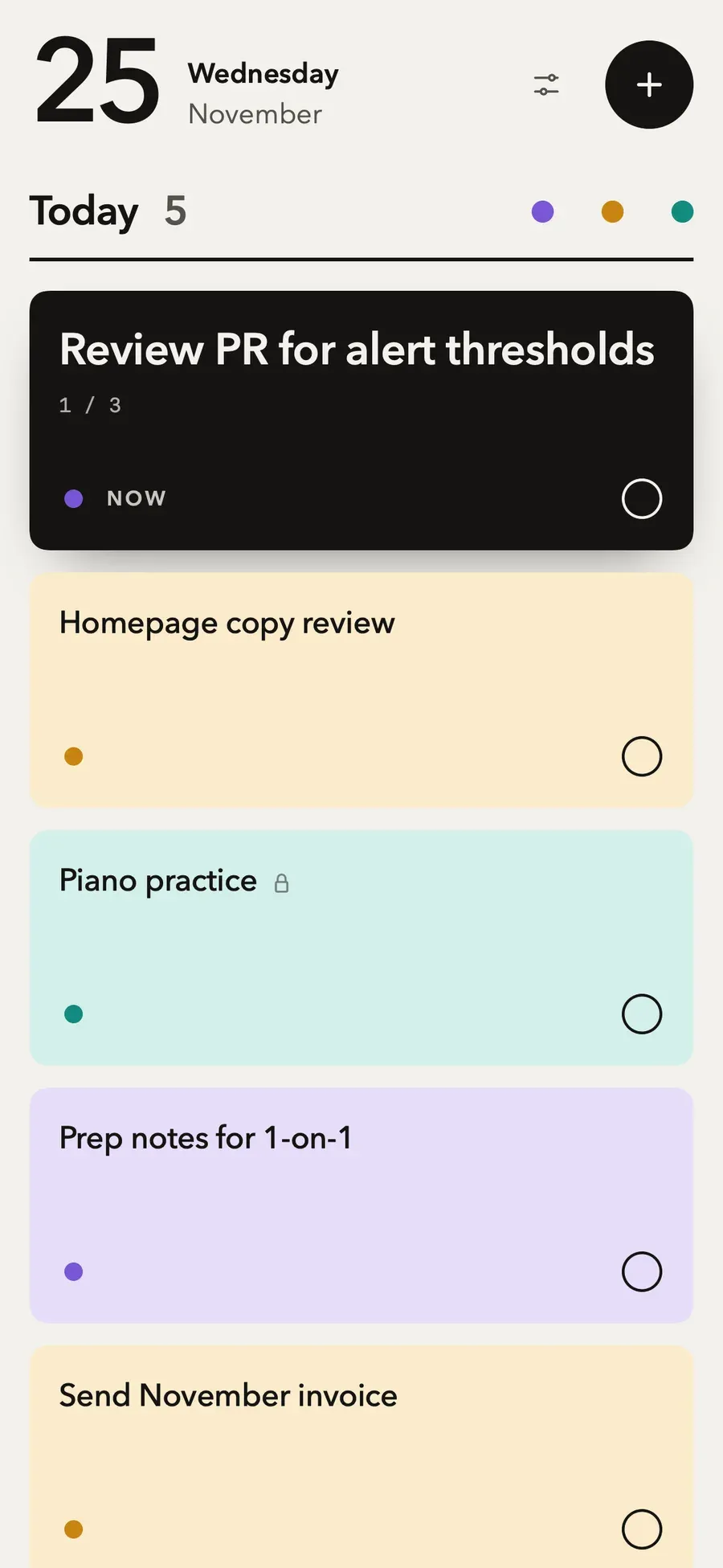
Most of the work went into what the board leaves out. No counters like “3 open”, no helper sentences, no shortcut footer. A version with a day ruler was built and thrown away, because it felt like planning instead of doing.
What is left should feel good to use. Focusing a card makes it grow into a black card with NOW on it and a timer. Finishing one draws the tick, strikes the title through and drops the card into the Done number in under a second. Deleting asks nothing and offers Undo for five seconds instead.
How it is built
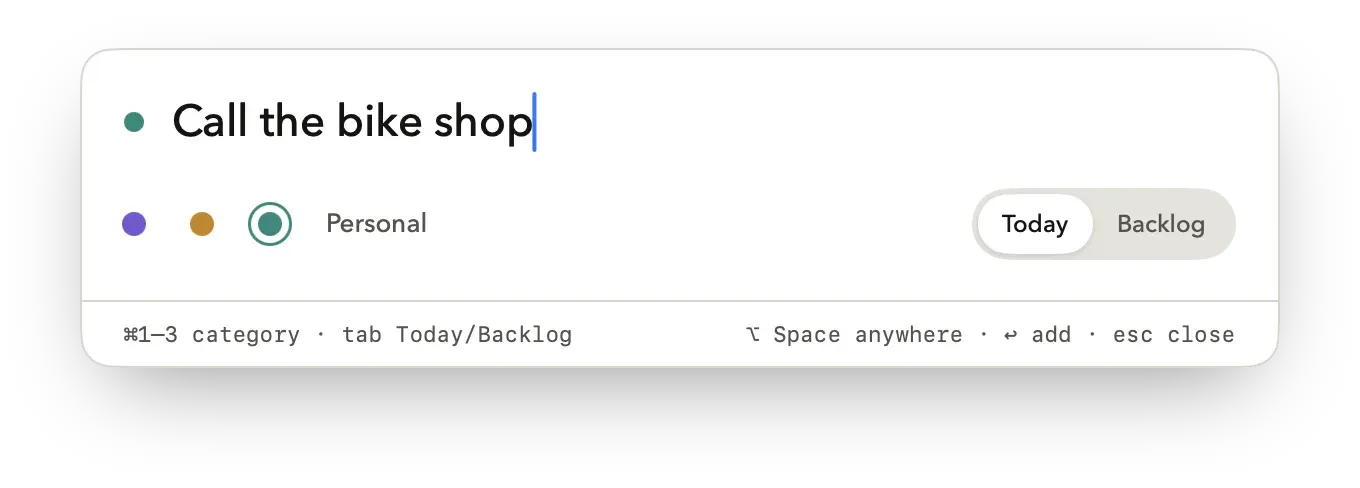
The board’s rules (ordering, moves, what a card shows) and the file format live in a Swift package with its own tests, shared by the iPhone, iPad and Mac apps. The file format has a written spec and a set of shared test cases, so a change to it can’t drift from what the app reads.
Every decision is written down as a short decision record: why iCloud Drive does the syncing, why deleting has Undo instead of a question, why the Mac app runs without the sandbox. There are 25 of them so far.